HyperPoint Properties
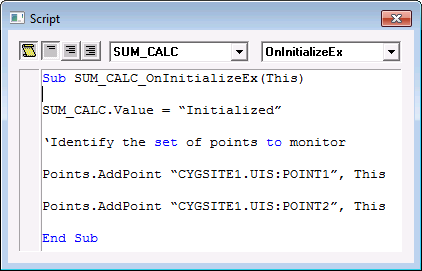
This page contains the script used by the point. The HyperPoint page is shown when the HyperPoint check box (included on the General page) is set to 1 (Yes).
The Activate Script flag must be set to 1 (Yes) for scripting on the point to be active. In addition, the current value service of the point must be a service for which scripting is enabled.
Note: You cannot import script into a point. The field is read-only. However, you can use the CygNet Point Script Copy utility (PointCfgScriptCopy.exe) to load script into a point. See CygNet Point Script Copy Utility for more information.

|
| Click the thumbnail to see a sample HyperPoint page for an Existing Point |
HyperPoint Properties
These are the properties shown on the HyperPoint page in the PNT Editor. See HyperPoint Scripting for more information.
See Token Categories - Point: HyperPoint for the corresponding tokens for each property and Filter Attributes - Point: HyperPoint for the corresponding filter attributes for each property.
| Property | Description | Default Value | |
|---|---|---|---|
|
HyperPoint type |
Specifies the type of HyperPoint. Possible values are as follows.
|
Standard HyperPoint |
|
|
Script text |
Displays the script currently contained in the HyperPoint.
|
||
|
Simulation test |
Contains the simulation controls you can use to test a HyperPoint’s script before putting it to use. |